
To access your Educator Tools you'll need to first log into your account. Navigate to the test site that you are logging into.
Click on the Login button in the upper right hand corner:

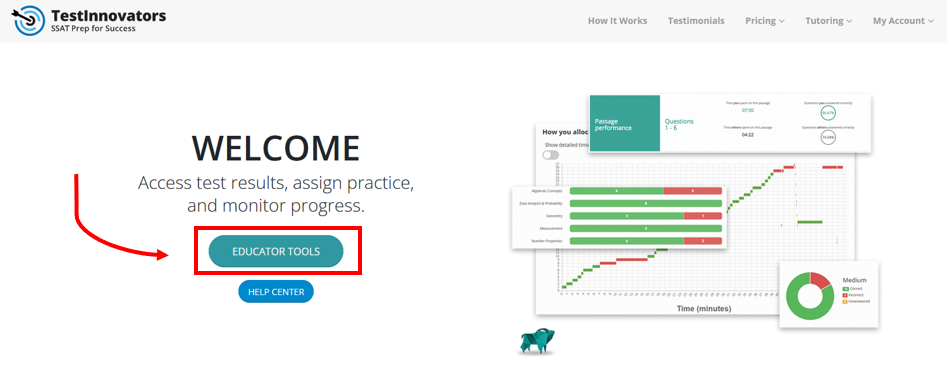
Once you've logged in, you'll be taken to the Welcome page. Click on the Educator Tools button to access your Educator Tools:
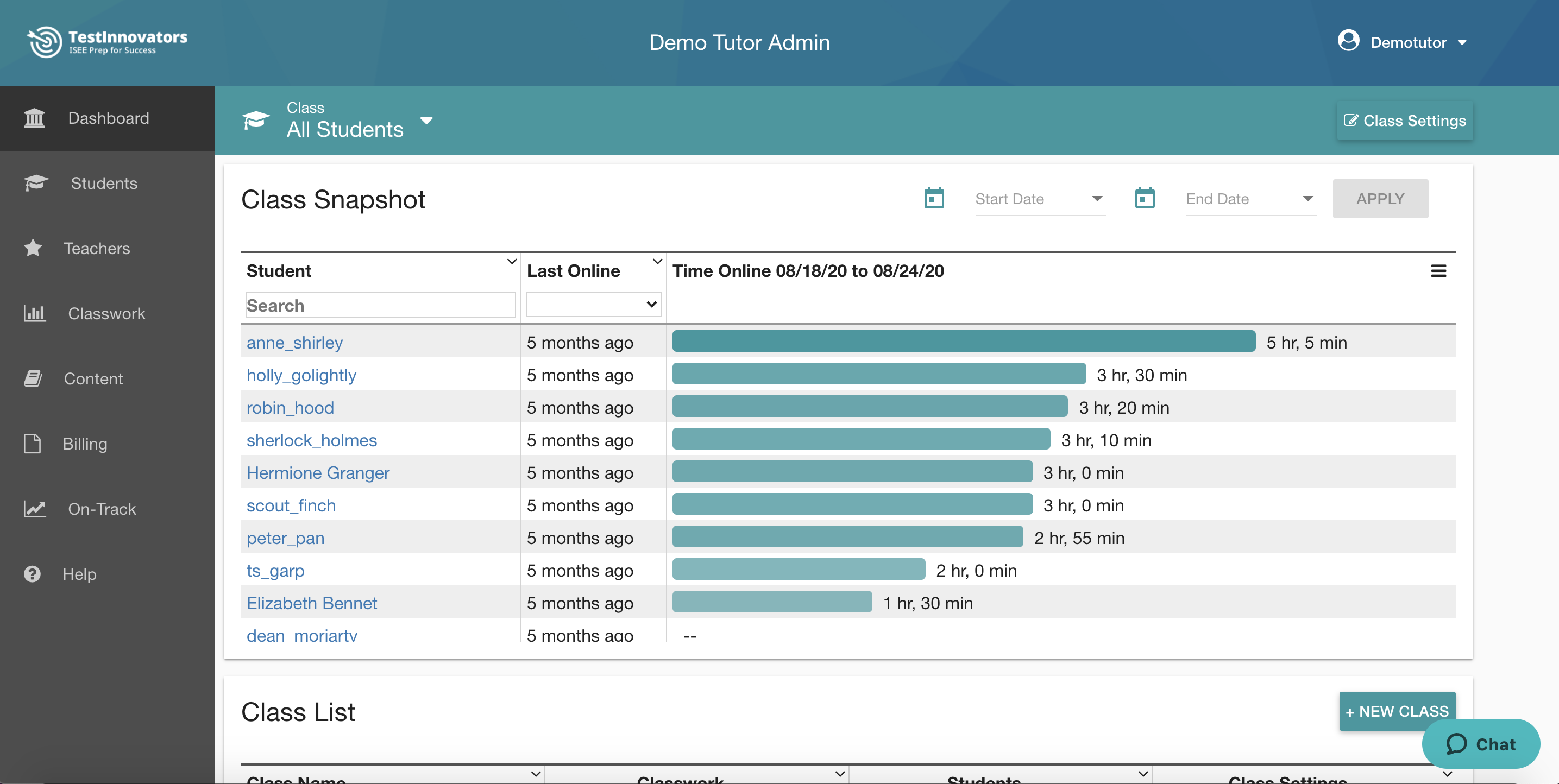
After you click on the Educator Tools button you will be taken to your Dashboard.
| Learn more about all of the pieces of the educator tools in the Getting Started section of our help center. |