
| Note: This article will help you edit the due date or delete Classwork assigned to your whole class. See Editing & Deleting Homework if you need to edit or delete homework assigned to an individual student. |
Editing a Due Date
- If you want to change a Classwork due date, navigate to the Classwork tab and scroll down to the Assignment Progress section.
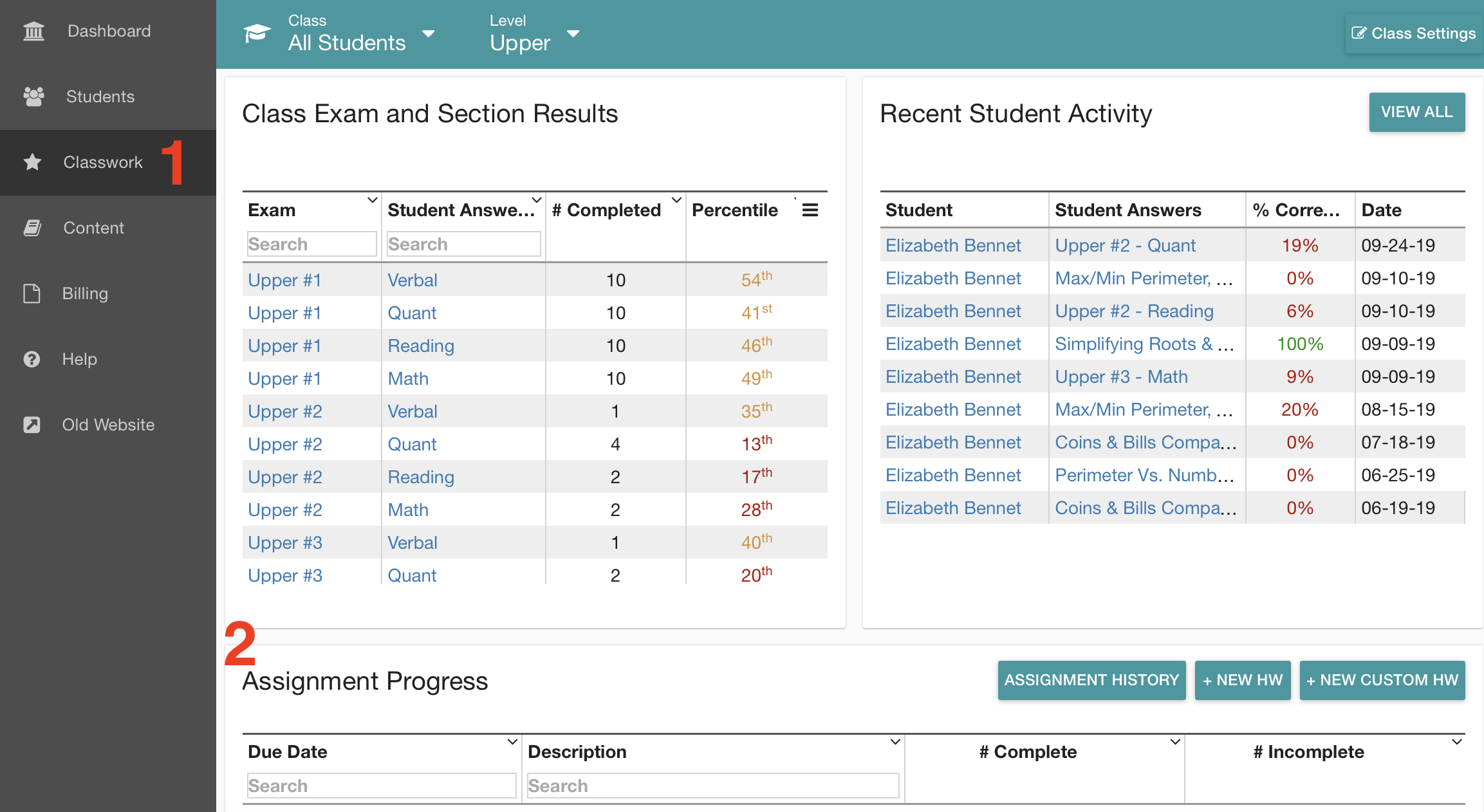
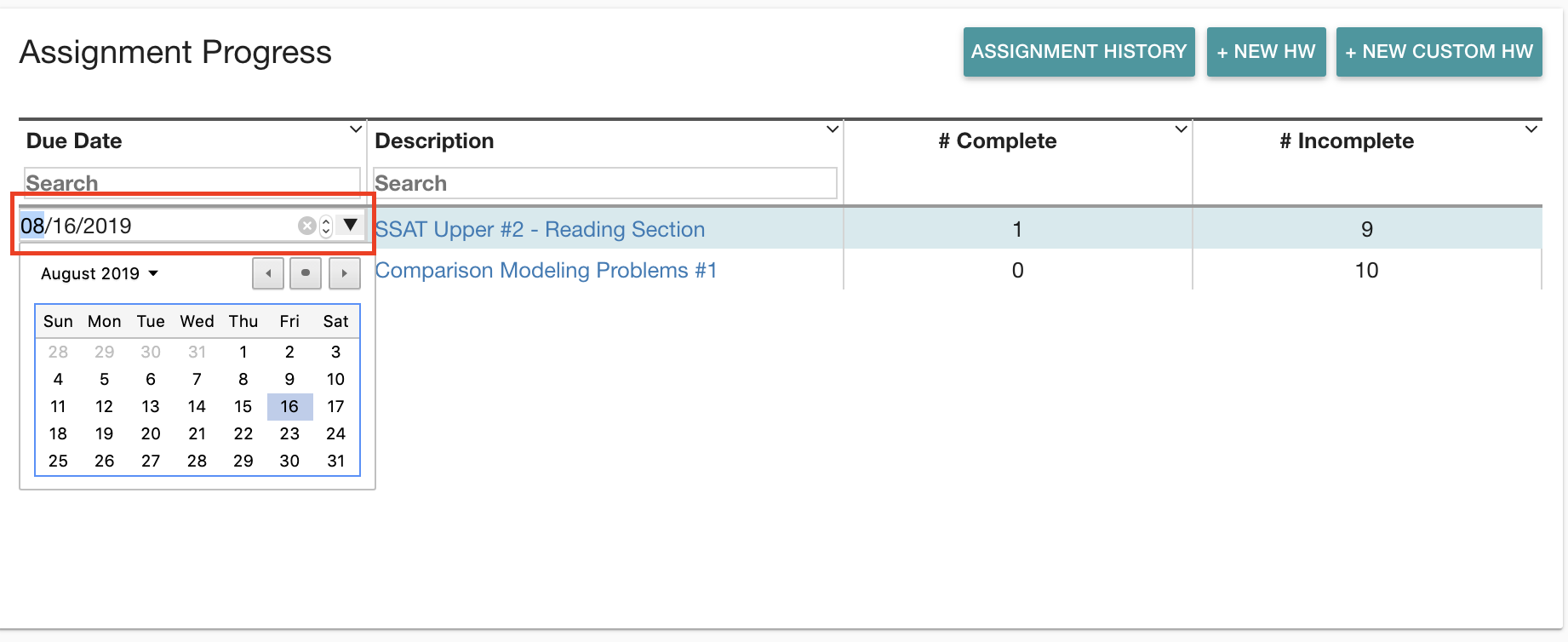
- Double-click the due date you would like to change.
- You can either use the down arrow to have a calendar view or type over the shaded date.
Deleting an Assignment
- To delete a Classwork assignment, navigate to the Classwork tab and scroll down to the Assignment Progress section.
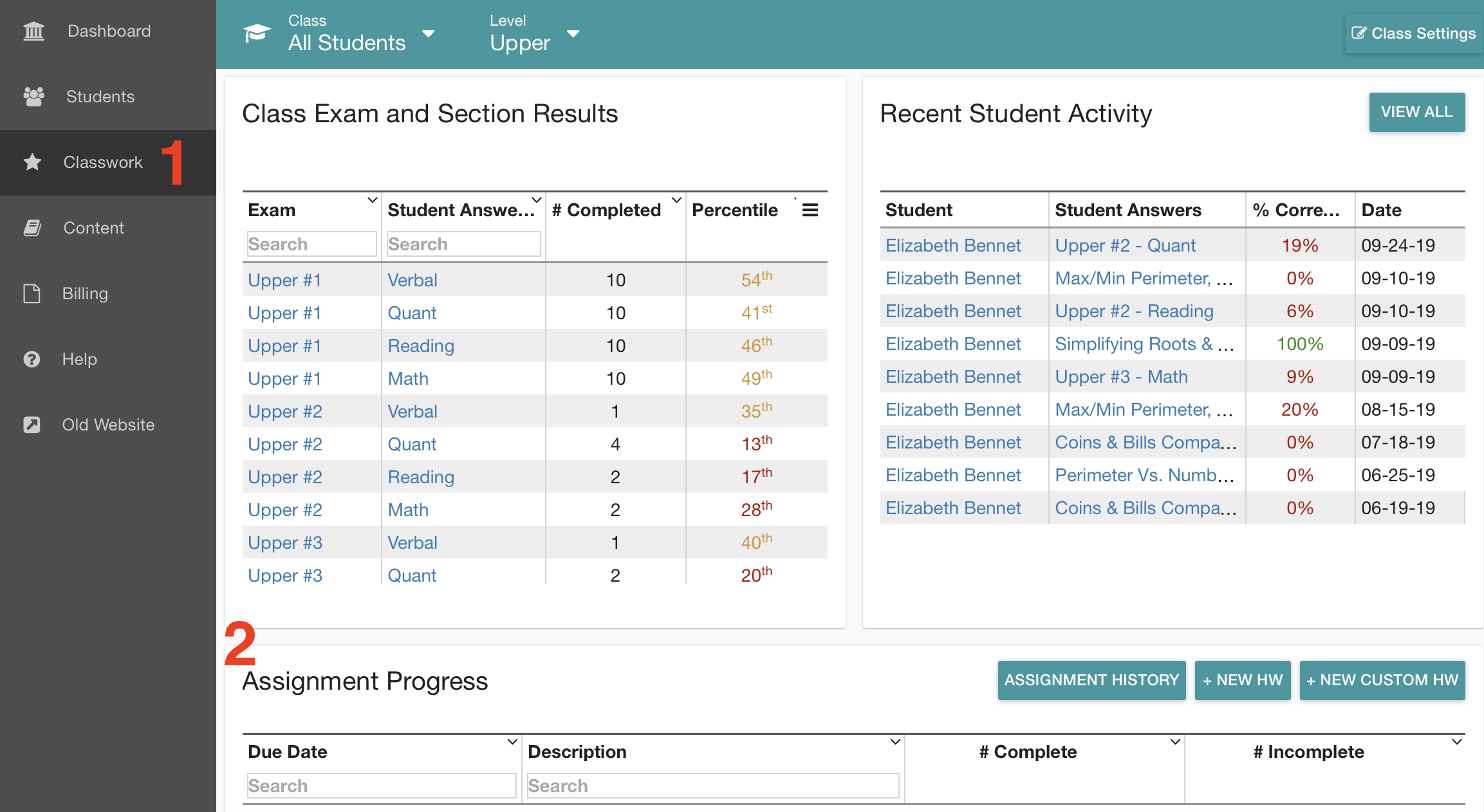
- Click on the trash icon in the Delete column for the assignment you wish to delete. This will delete that homework assignment.

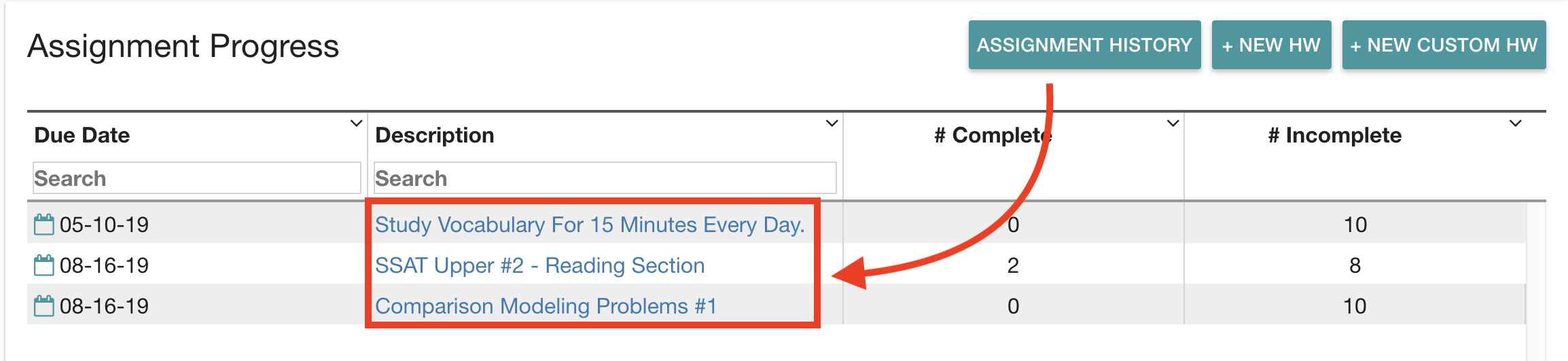
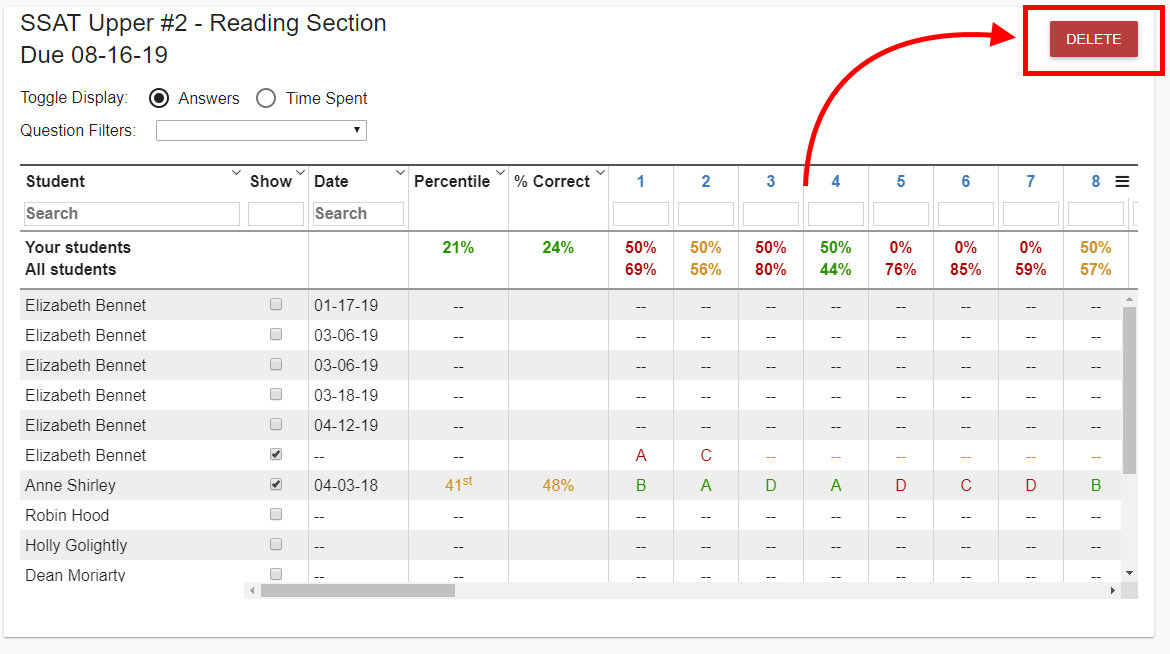
- Click on the name of the assignment you would like to delete, and then click on Delete in the upper right-hand corner to delete the assignment for all students in the class.
| Note: If you wish to assign homework for a single student rather than a Class, read about Assigning Homework to a Student. |